Acessing your call recordings
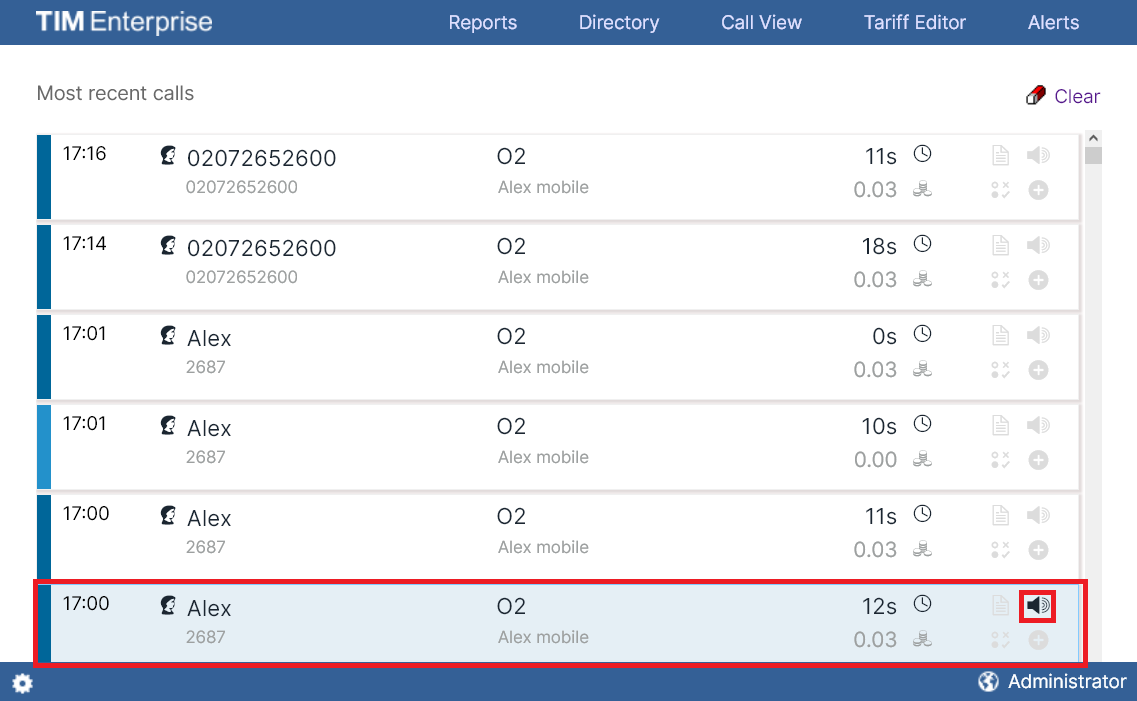
Call recordings are accessible via the web interface of your call logging solution. To listen or save a call recording, click on and call with a speaker icon in the Call view screen or any itemised call logging report, as shown below:
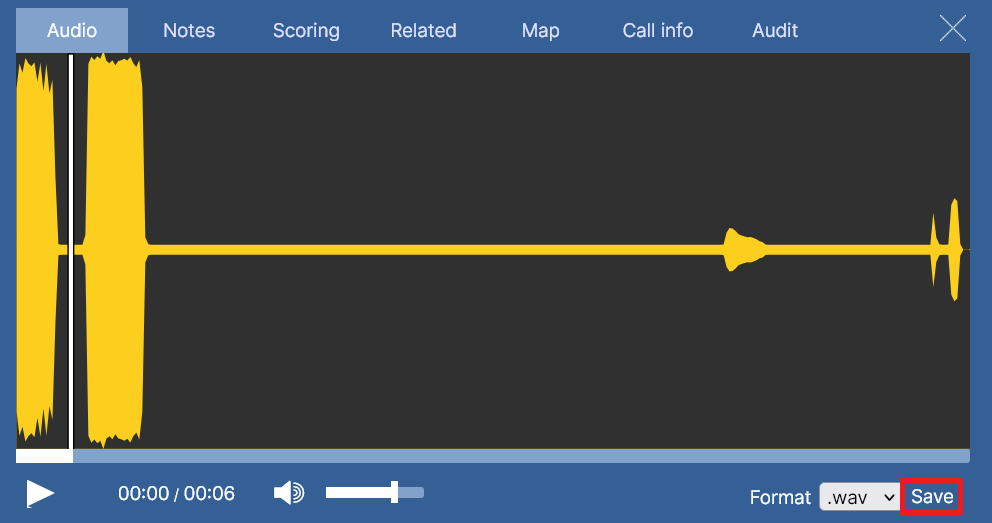
A new window will open, allowing you to listen or save the call recording, as shown below: