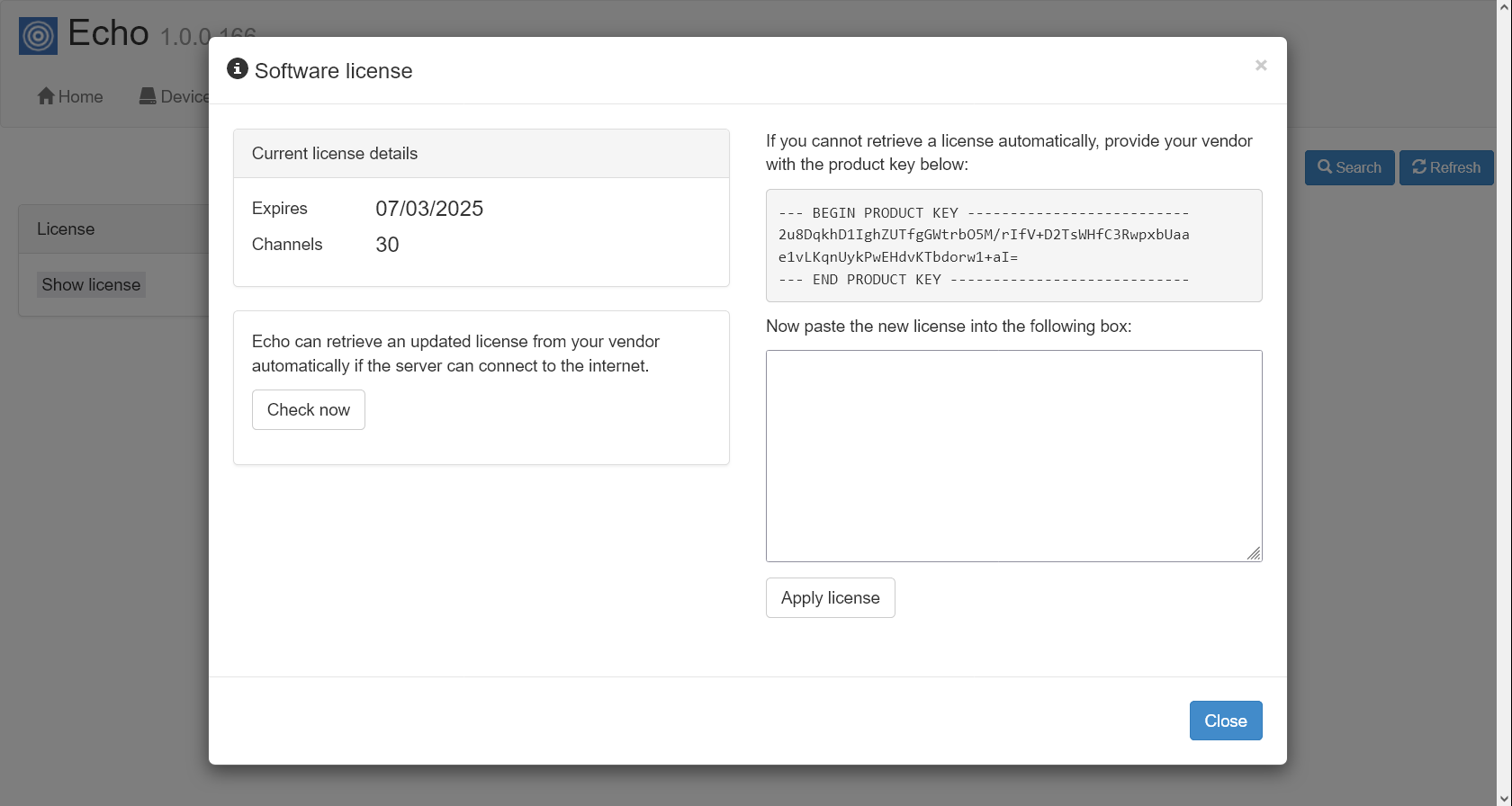
Echo interface
To access the web interface of the Echo software, open a web browser and, in the address bar, type in the IP address or hostname of the PC running Echo, followed by the port number it's listening on (e.g. http://192.168.0.100:8088).
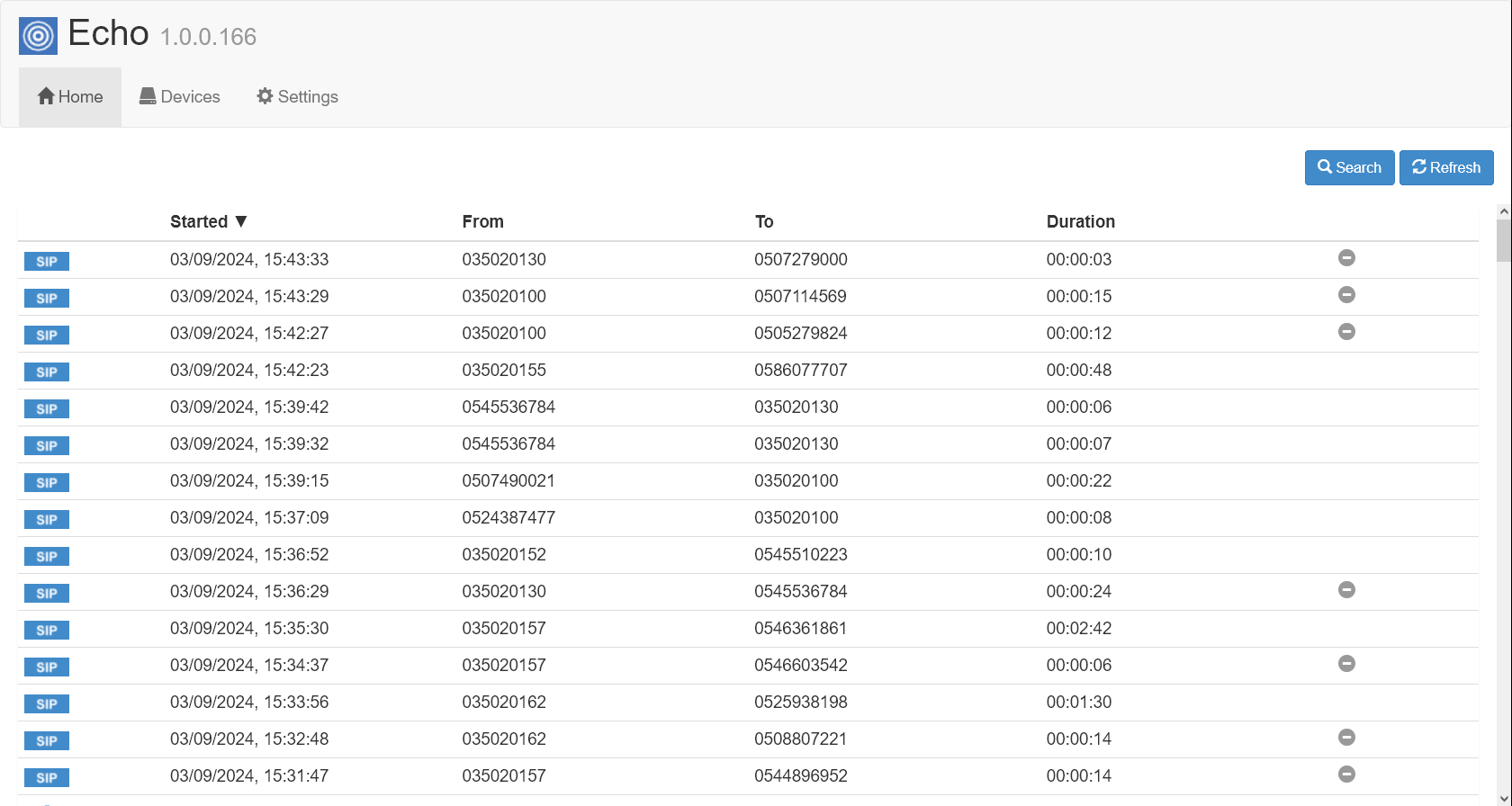
The main dashboard screen will display a list of calls, with the most recent at the top of the list. The live calls that are still in progress will be highlighted in yellow, as shown in the screenshot below:
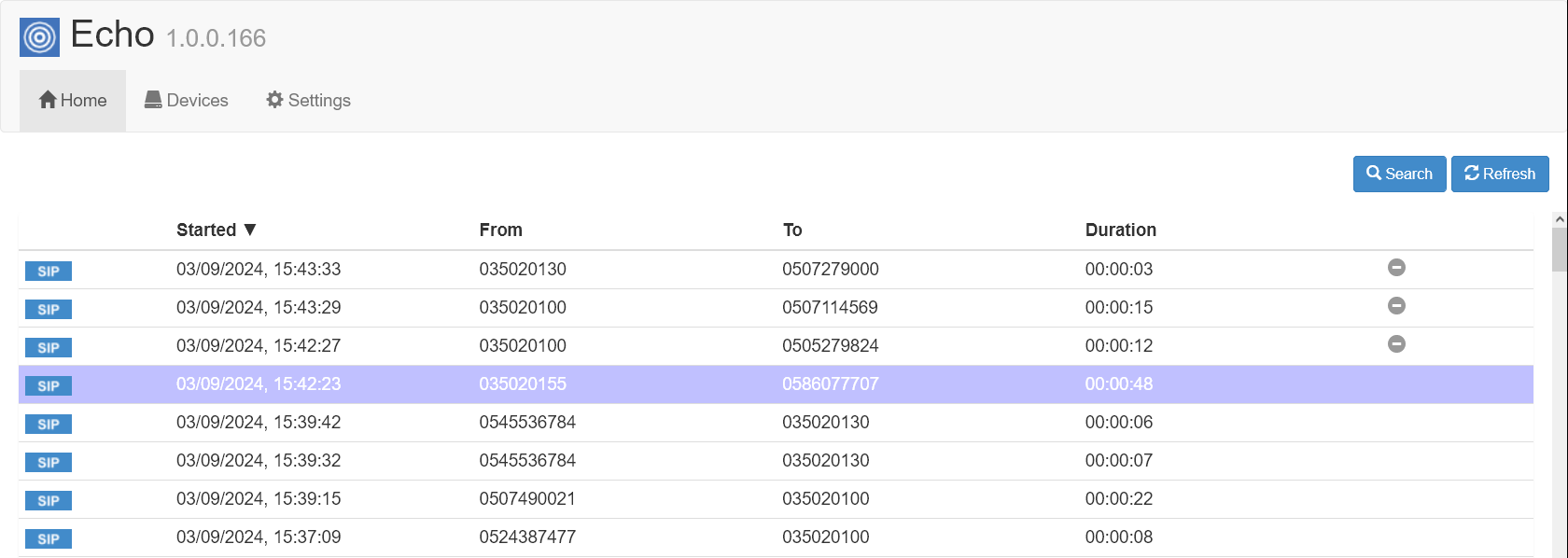
To see the waveform of a call, click on the call as shown below:
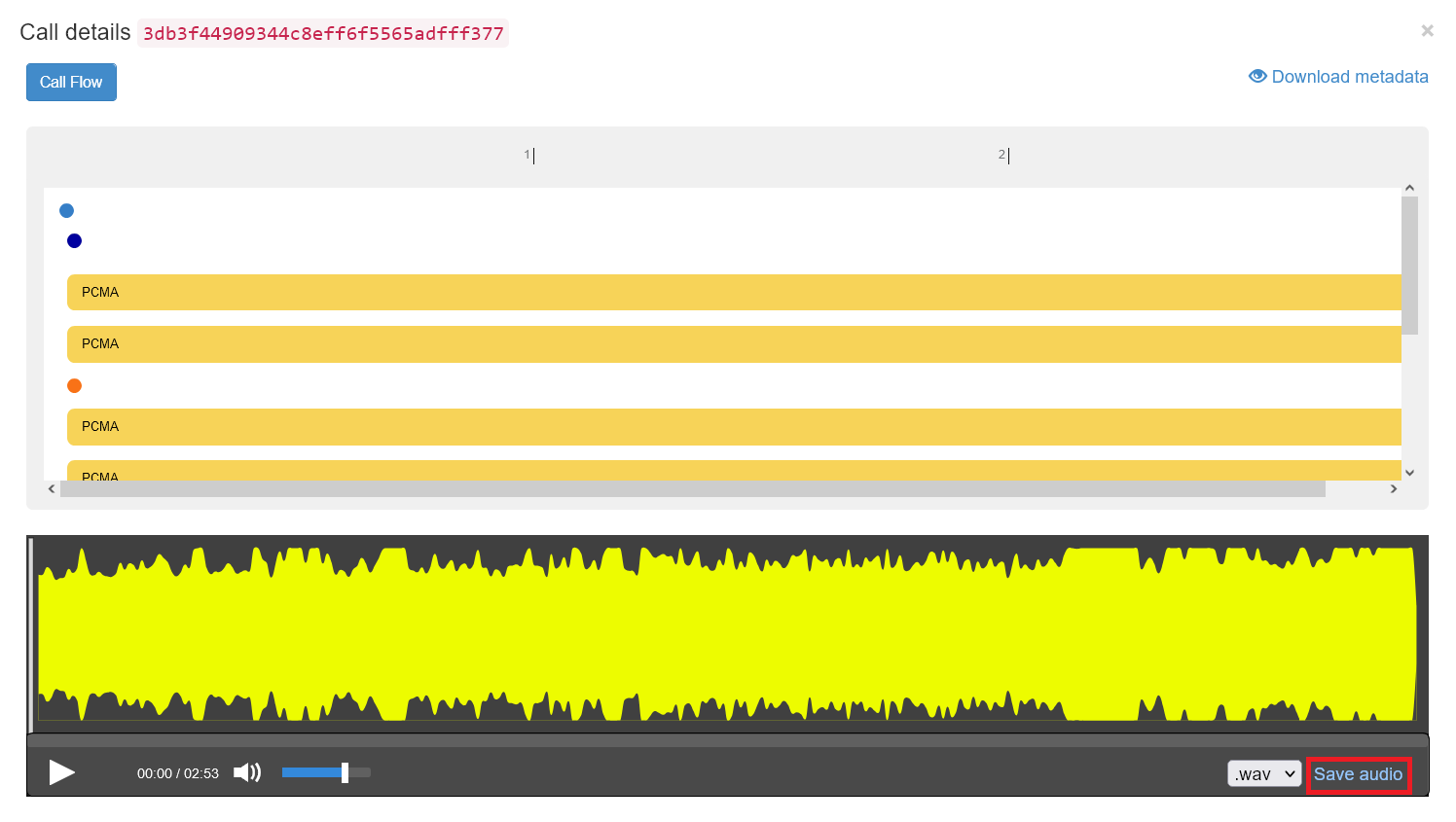
To download a call, select your format then press the save button:
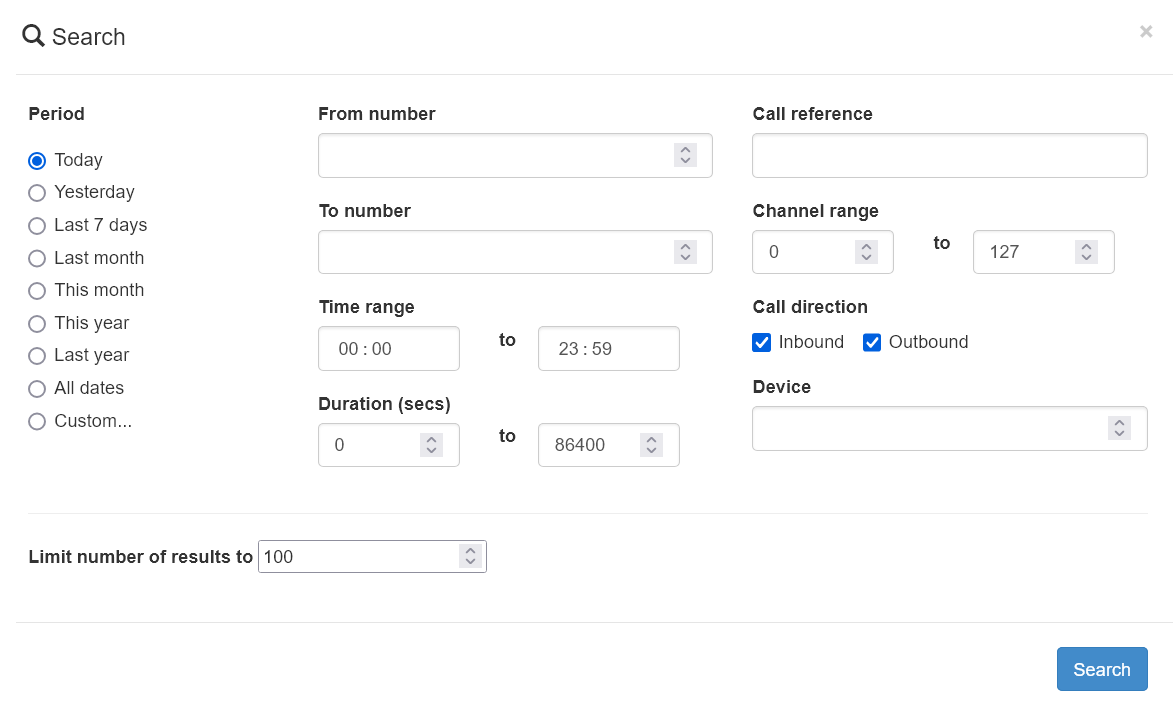
The application also allows you to search for a call, by entering the required call details in the pop-up window that opens when you click on the Search button:
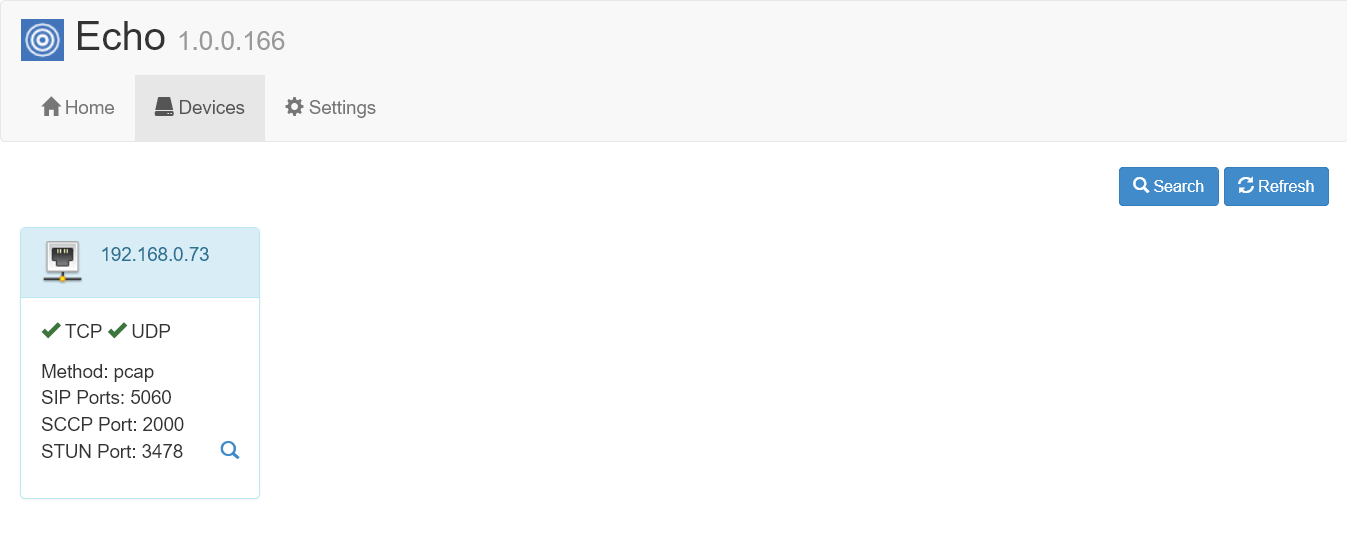
If you would like to see to which device the call recorder is connected to, such as ISDN, SIP or PCI card, click on the Devices tab.
If you need to apply or update your software license, click on the Settings tab and then on the Show license button. The license details will be displayed in a new window, as shown below: